 Optional · Desktop browsers
Demivo Helper
A tiny, optional add-on that lets more of your own IPTV play right inside the Demivo web player — on your own device, with nothing proxied through us.
 Add to Chrome
 Add to Edge
 Add to Firefox
You don't need it for most channels — install it only if a stream asks for it.
Unlocks blocked channels
Some providers only stream to a media player, or over plain http a secure page can't embed. On your device, the Helper sets a player identity and relaxes the cross-origin (CORS) headers your browser needs — exactly like VLC does.
Zero-proxy & private
Video streams straight from your provider to your device. Nothing passes through our servers. It collects no data and asks for no account.
Only your provider
It only touches requests the Demivo player makes to your own IPTV provider's domains — never other websites.
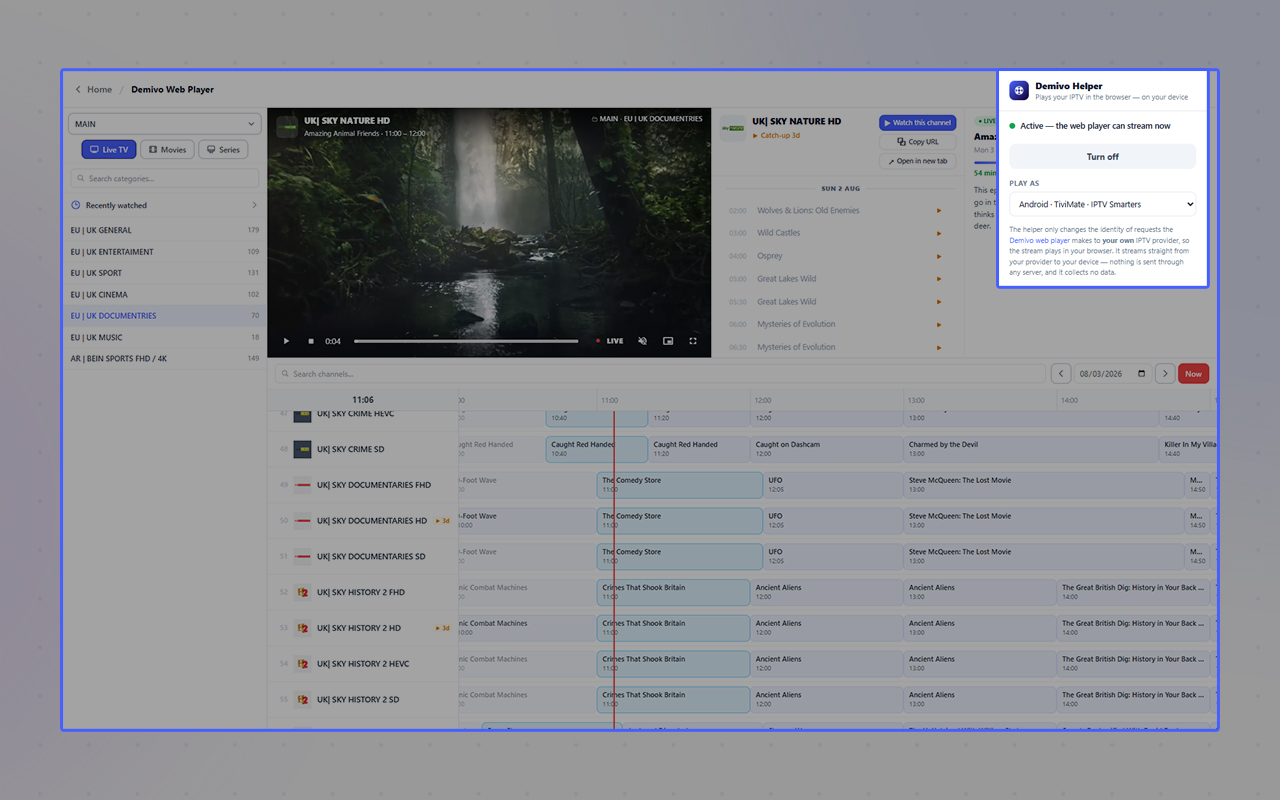
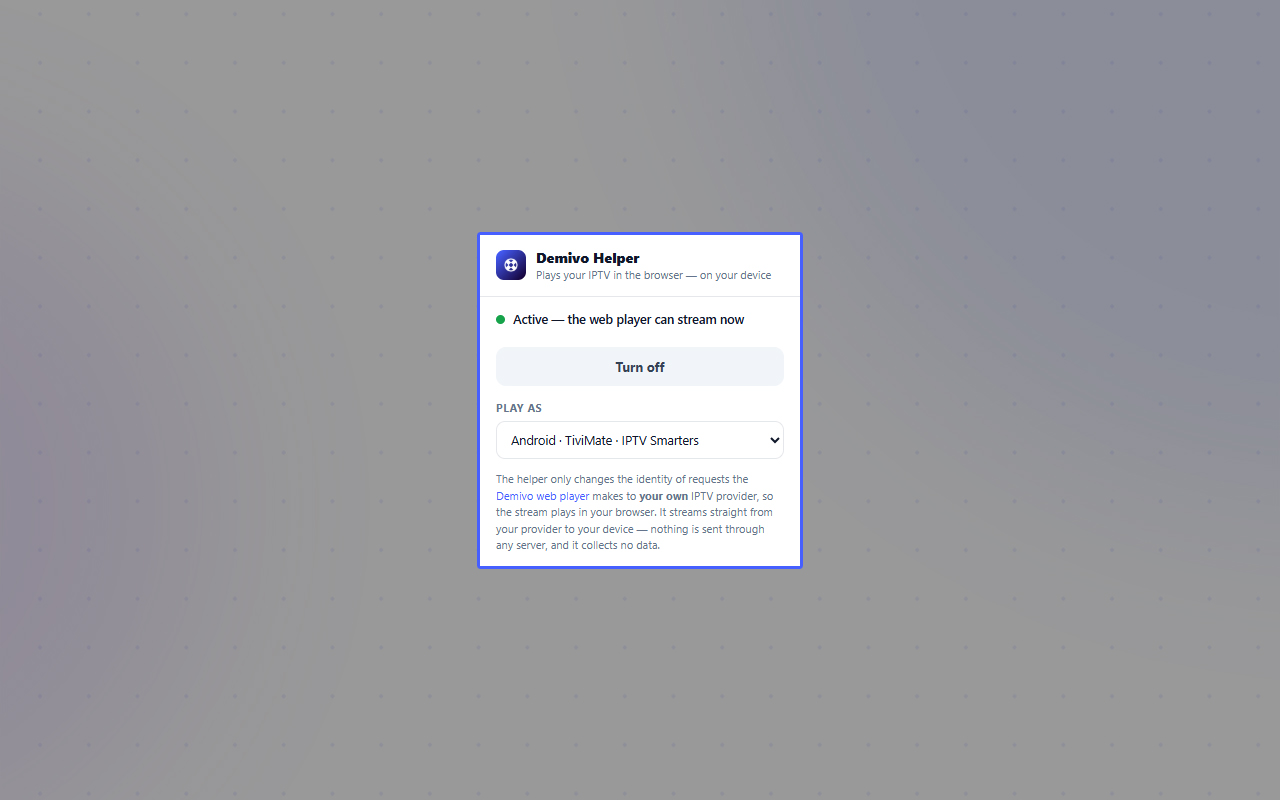
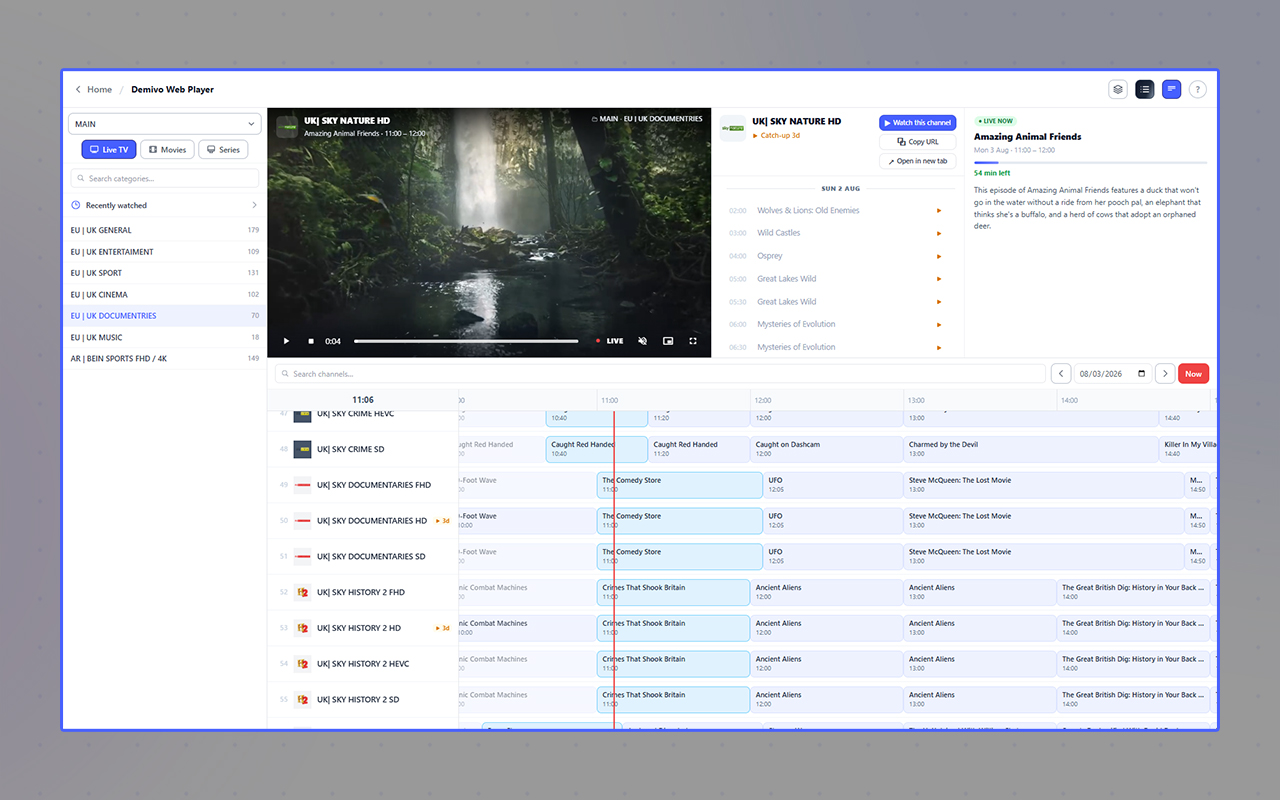
See it in action
A quick look at the Helper and the Demivo web player.
How to use it
- 1
Install it from your browser's store (buttons above), then open the Demivo web player.
- 2
Click the Helper's toolbar icon and press Enable playback. It asks for website access so it can reach your provider — streams often hop across servers — then approve it once.
- 3
That's it — channels that need it now play in your browser. Optionally pick a "Play as" identity (VLC, Kodi, Android…) and it sticks.
Desktop browsers only. Browser add-ons don't exist on phones or tablets, so the Helper is for Chrome, Edge and Firefox on a computer. On mobile, use channels that play natively or open a stream in an external app.
Read the privacy policy. Questions? hi@iptv.domains.